


Specialized AI Agent Training
for Non-Engineers

The first Cursor + Claude Code + Codex curriculum designed for non-engineers
Master AI agents instantly after joining
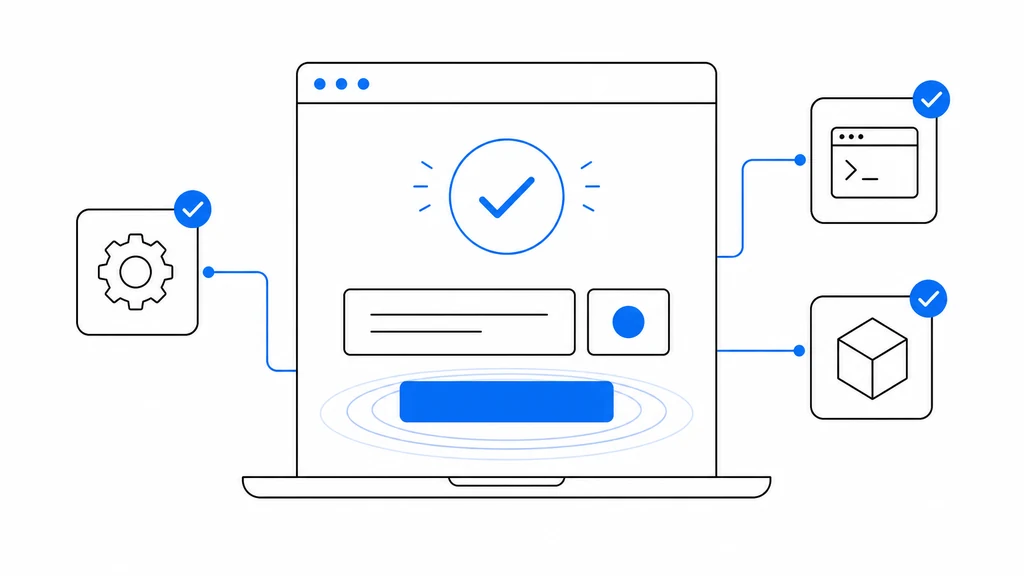
1-Click Setup
No setup headaches—the App handles it all. Start on day one, zero tech skills needed.
Master what you want, fast
47 public-curriculum modules take you straight to what you want to build. No detours, real results.


Secure by default
Access control and secret protection built in. Adopt AI agents at work with total peace of mind.
Intrigued? Take the next step.
Enterprise-grade AI agent training at an unbeatable price
“AI School A” and “Online AI Course B” are unnamed, illustrative price bands — not specific competitors.
AI Agent Camp
- AI Agent Specialized
- Cursor / Claude Code / Codex
- 24/365 AI Tutor
- Always Updated
- Auto Environment Setup
- Cancel Anytime
AI School A
$3,000+
Lump sum / 3 months
- —AI Agent Specialized
- —Cursor / Claude Code / Codex
- —24/365 AI Tutor
- —Always Updated
- —Auto Environment Setup
- —Cancel Anytime
Online AI Course B
$1,200+
Lump sum / 2 months
- —AI Agent Specialized
- —Cursor / Claude Code / Codex
- —24/365 AI Tutor
- —Always Updated
- —Auto Environment Setup
- —Cancel Anytime
$80/month · Cancel anytime (no prorated refund for the current month)
Pick what matters to you. Hands-on curriculum.
Environment Setup
AI / LLM Basics
Tool Basics
Banner & Image Generation
Diagrams & Flowcharts
Data Analysis
PowerPoint Operations
Slack Integration
Video Generation
Google Apps Script
GitHub Actions
Agent Development
Marketing
LP / Website Creation
PM & System Requirements
Email Automation
Microsoft 365 Integration
Security & Safety
Frequently Asked Questions
AI Agent Camp uses Google sign-in to access the service. When you sign in, we collect the following information:
- Email address — to identify your account and contact you when needed
- Display name — to show your name in the service
- Profile image URL — to show your avatar in the service
We use this information to provide and operate the service. We share data with processors needed to run it — Firebase (auth), Stripe (payments), Vercel (hosting and Analytics), Supabase (database), form.run (pre-purchase contact), and A8.net (affiliate conversion tracking). We do not sell personal data. See the Privacy Policy for details.
Payment details are processed securely by Stripe and are not stored on our servers.
For more details, see ourPrivacy Policy.
What you can do, starting today

Generate social banners
Auto-create optimized banners for X, Instagram, Facebook
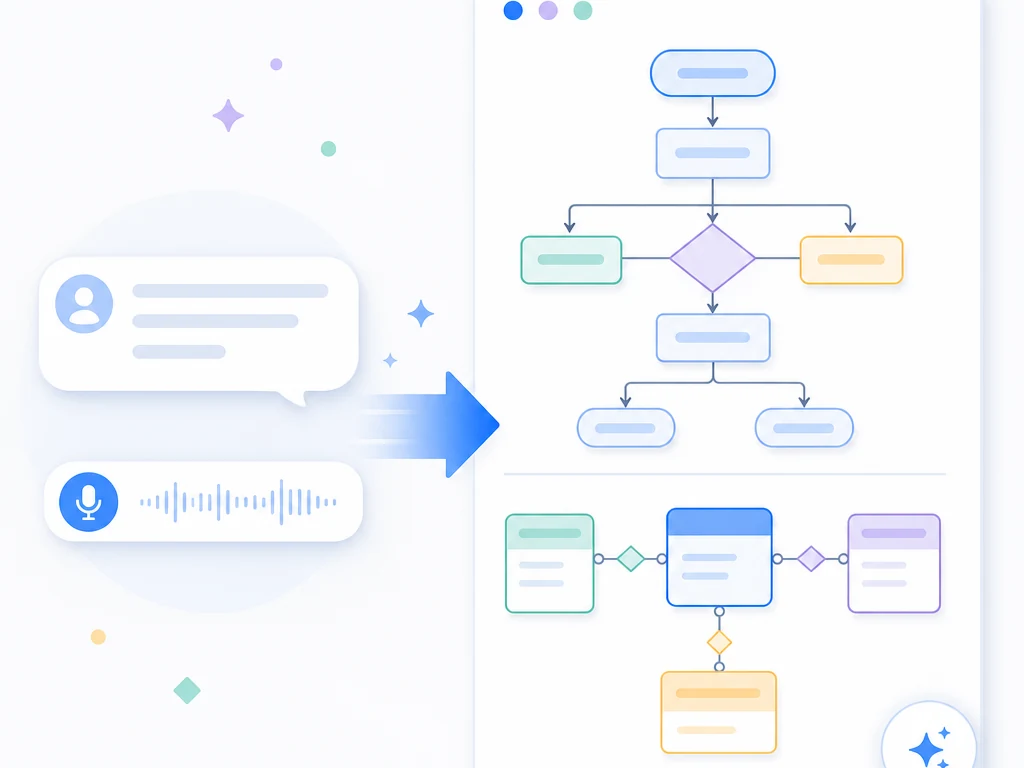
Create diagrams naturally
Generate flowcharts, sequence diagrams, ER diagrams

Analyze data without SQL
Ask in plain language, get charts and reports automatically

Generate slide decks
Describe a theme, get a fully designed PowerPoint deck

Auto-generate AI videos
Text to storyboard to AI video generation

Build your own AI agents
Design, build, test, and deploy custom AI agents
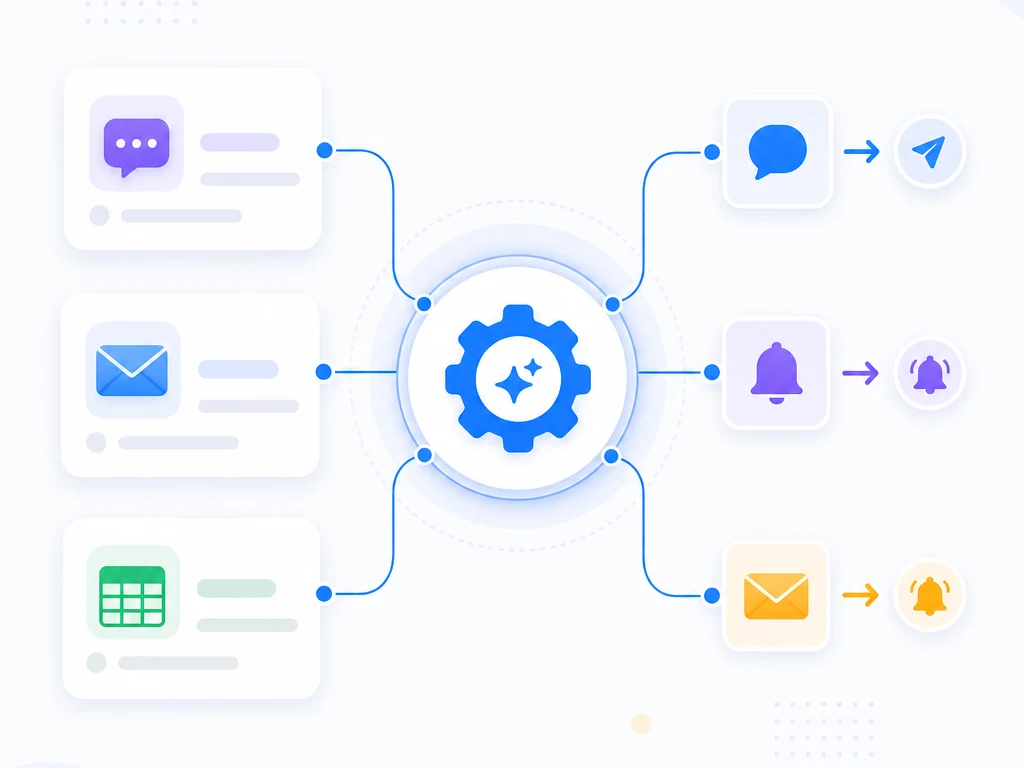
Automate Slack, email & GAS
Auto-detect unanswered messages, email sequences, sheets
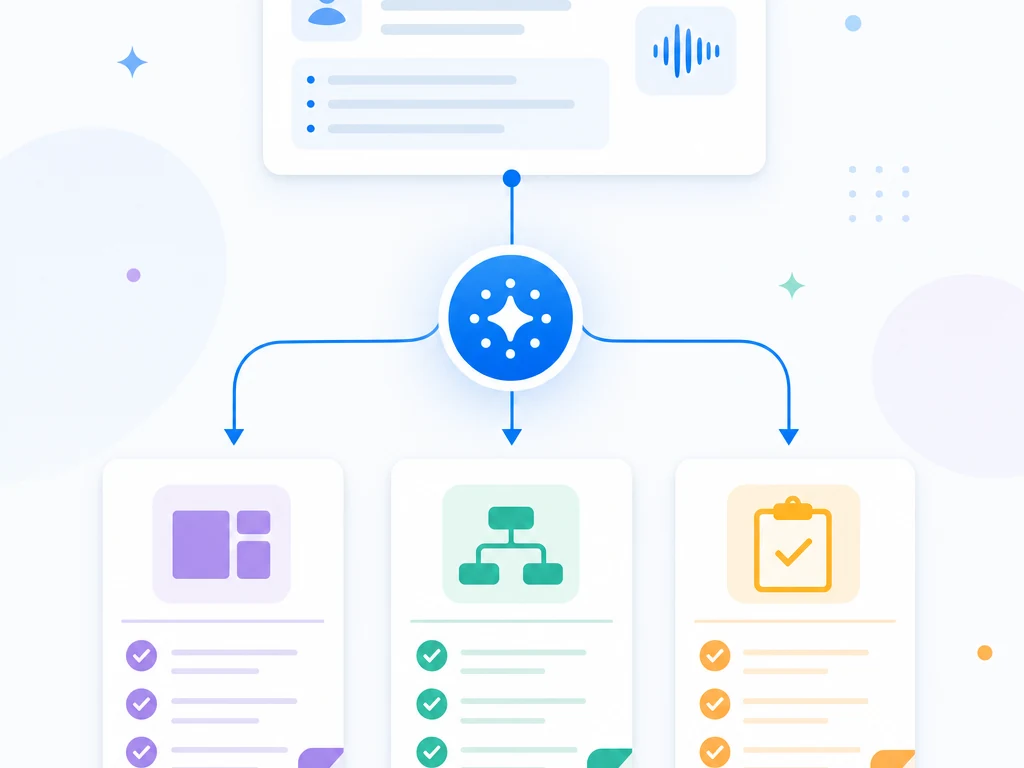
AI writes PRDs & specs
From interviews to PRDs, requirements, and test plans
Start using AI agents today.
Cancel anytime
"Over 50% of the team reported improved productivity" — Startale Inc.
$80/mo
~$2.60/day · Cancel anytime