Field Report Day 2: 'I Didn't Think I Could, But I Did' — Building Real Workflows in One Day
Published: 2026-05-31 · Author: AI Agent Camp (instructor: Kohei Nakamura) ・ Reading time: about 12 minutes
A few days after Day 1, the same five attendees return with their homework. They have one day to build one working tool for their actual job. We shadowed Day 2 — the 'I didn't think I could, but I did' moments, plus two anonymized client outcomes.
A few days after Day 1, the five attendees walked back into the same meeting room. Each carried the whiteboard memo they wrote at the end of Day 1: "three repetitive tasks I want to delegate to AI." Today's goal is one thing: turn one of those three into something that runs in your actual job, by end of day. Asked beforehand, all five said the same thing: "honestly, I don't think I can."

09:30Regrouping — picking the one that pays back the most
First 30 minutes: rewrite the three tasks on one sheet. The act of writing shrinks the scope — "check invoice status", "extract action items from meeting notes", "review press release in three axes". Then pick one along three axes: frequency × time × can finish alone. Day 2 is 90% the pick.
10:00Articulating the task — design with Plan Mode before writing
We bring the Day 1 mantra into real work: anything two lines or longer starts in plan mode. Each attendee feeds "goal / input / output / edge cases" to Claude Code and asks for a plan first. PR's lead got pulled back at the plan stage: "what exactly are the three axes measuring?" In their words, "every fuzzy bit in my head got exposed by the plan."
11:00Build — sticking points are permissions, formats and loops
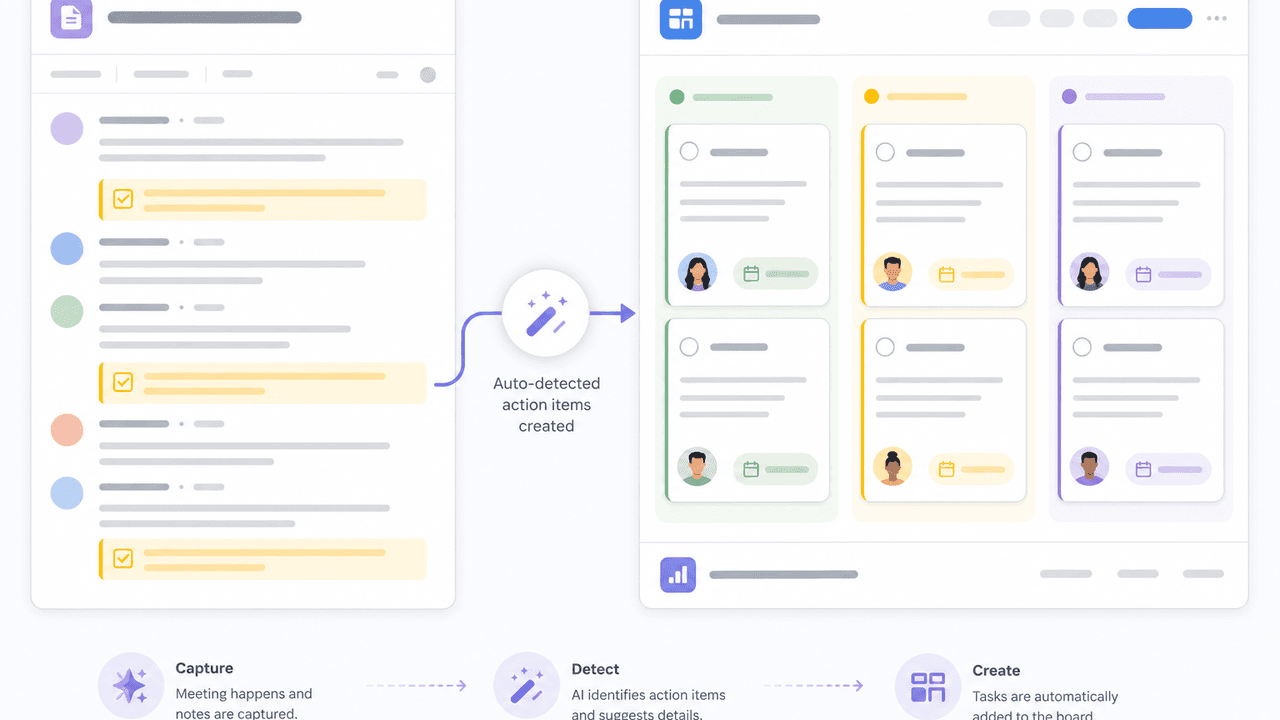
Finance is building a meeting-notes → purchase tasks pipeline. The first wall is a Google Sheets permission error: "you don't get stuck on the task itself, you get stuck at the seams." Next, the extraction is unstable because each presenter talks differently. Day 1 lecture kicks in — "feed two few-shot examples" — and they recall it on their own.
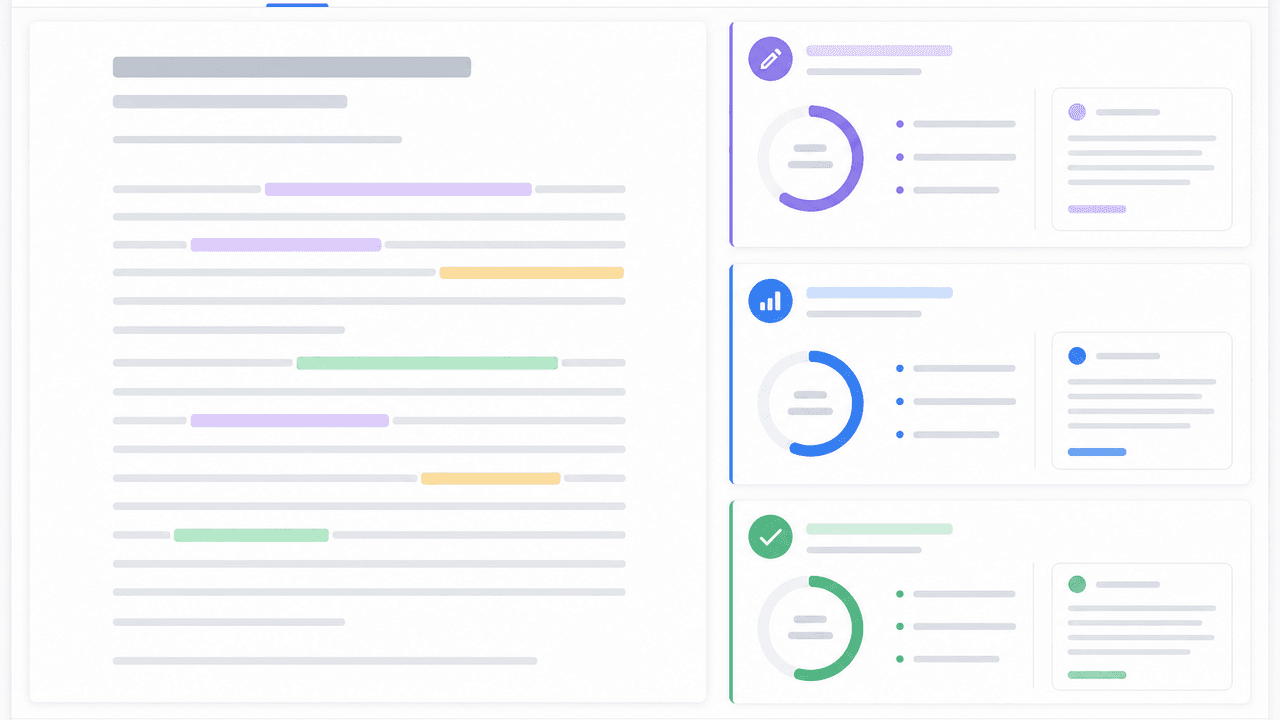
PR wrote a press-release reviewer along three axes (reader benefit, factual accuracy, brand voice). The first run returned "5 of 5 on everything." Adding one constraint — "find three weaknesses; write 'none' only if you really must" — turned it sharp. They discovered, on their own, that lowering the bar makes the model lazy too.
12:30Lunch — "already?"
On Day 1 lunch is recovery; on Day 2 it's different. People don't stop. Finance ate a bite with the bento lid open for 20 minutes. First sign of flow. Day 1's skeptics are exactly the ones who lose track of time on Day 2.
13:30Finishing — making it actually usable
After lunch, work shifts from "running" to "fits my job as-is." Sales reshapes the output of the outbound summary into the format used in the morning huddle. Two criteria help — "can I paste this into Slack and have it read?" and "could I explain it to my manager on my own?" — and the last mile of AI output tips back toward human.
15:30Demo round — three minutes per person

Each person demos for three minutes. When Finance's "meeting notes → purchase list" pulled four items on the first try, the room clapped without prompting. Sales said it flat: "what used to take 45 minutes every morning takes three now," and looked more surprised than anyone.
"I didn't think I could, but I did"
What the same five people who said "honestly, I don't think I can" at 09:30 said at the end of the day.
「Zero programming background — I was sure it was impossible for me. When the meeting notes finally returned a purchase list, I said something out loud without meaning to. Using it Monday.」
「On Day 1 it felt like 'a useful thing, but not in my world.' Today, when a press release came back with sharp comments, it became a tool of my work for the first time.」
「45 minutes every morning, now three. With the 40 I get back I'm starting the customer analysis I've been putting off.」
「Every error tempted me to say 'see, I can't.' But the instructor sat next to me and showed me how to fix each one. I think I can keep building this at home.」
16:30Reflection — what Day 3 onward looks like
Last 30 minutes are the next step. Of what was built, do you (1) put it on a daily schedule, (2) share it across your team for horizontal lift, or (3) abstract it one more level to use elsewhere? Moving a "working thing" into a "thing the person next to you can use too" is Day 3's homework.
Case studies — two anonymized examples
Companies and industries are anonymized for confidentiality. The numbers are representative outcomes reconstructed from multiple real engagements, averaged at 1–3 months after the program.
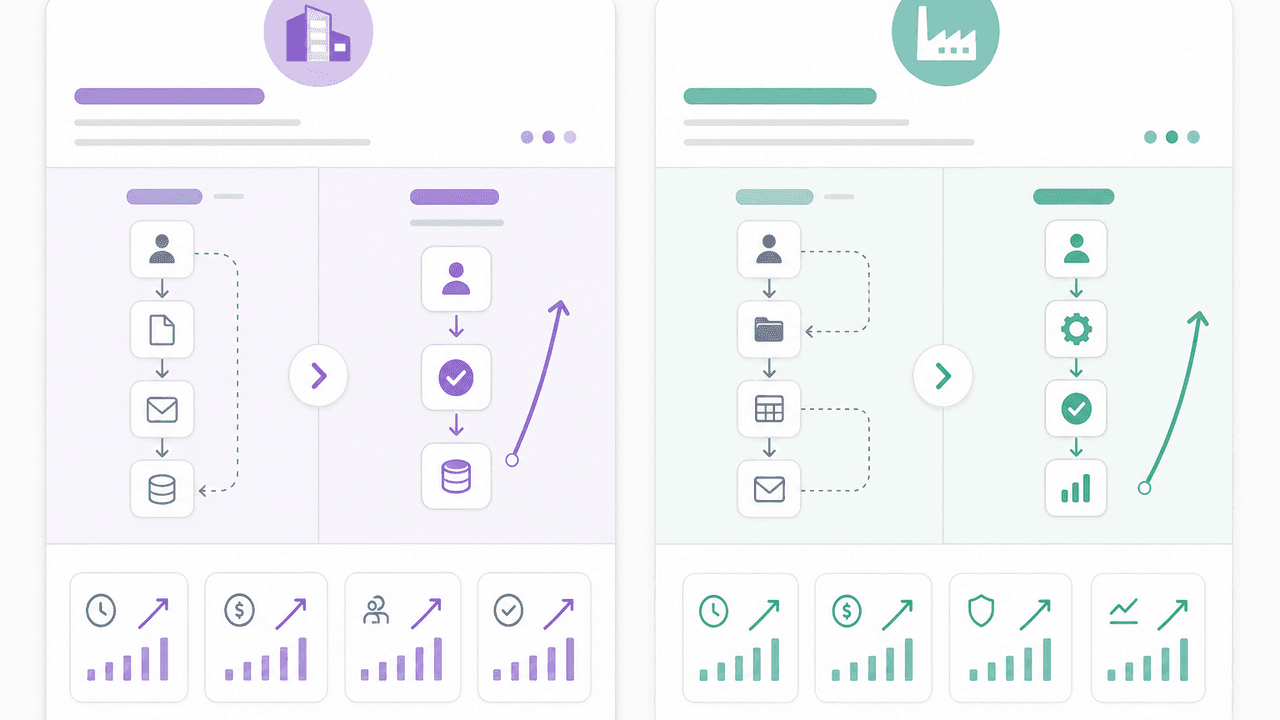
Talent management firm T — semi-automated first-touch on booking inquiries
Managers handle a heavy stream of booking emails. They wired Claude Code + Gmail to extract requirements, score priority and draft template replies. A human still sends.
- Time per inquiry
- 12→3 min
- Daily throughput
- 1.7×
- Build time after Day 2
- 2 weeks
Software services firm W — weekly spec-vs-code diff review
Every Friday Claude Code crawls Notion specs and the GitHub implementation, produces a diff report and posts a single Slack message as the PM's pre-review draft.
- Review prep time
- 90→10 min/wk
- Catches found
- +38%
- Build time after Day 2
- 3 weeks
Takeaways
Day 1 is the "hand one task to AI" experience. Day 2 is the day you place it inside your real job. Even non-engineers can reach a working artifact in a day. The keys are the first pick (frequency × time × solo), Plan Mode articulation, and an instructor who turns "I don't think I can" into "I did" on the spot.
For Day 1, see "Field Report: A Day Inside a Corporate AI Agent Training".
Talk to us about corporate training
We design corporate AI agent training with Claude Code, Cursor and gog CLI for your industry and roles. Ask us about class size, subsidies and more — the short form below takes about 30 seconds.
Want to run this for your company?
Day 1 + Day 2 + a review session, adapted to your industry and roles. Subsidy eligibility, single-company delivery, sizes 4–20 — talk to us.
Learn more about AI Agent CampFAQs
- Who are companies T and W in the case studies?
- We anonymized them and softened the industries. The numbers are representative outcomes reconstructed from multiple real corporate engagements, averaged at 1–3 months after the program.
- Can I take Day 2 only?
- We recommend Day 1 → Day 2 in order. Day 2 puts Day 1's concepts (plan mode, one chat one task, context) into real work, so it lands better when those are already shared.
- Will I really build something working in Day 2?
- All attendees reach a working template that delegates one real task to AI within Day 2. It's not production-grade yet — one file or one workflow that is practical at hand. Day 3 onward extends to operationalization.
- Are subsidies available?
- In Japan, MHLW's Human Resource Development Support Subsidy (reskilling track) typically refunds 75% for SMEs and 60% for large firms. Day 1 + Day 2 + review session totalling 10+ hours clears the threshold. Contact us via the form below.